Do I need special stickers or a scanner?
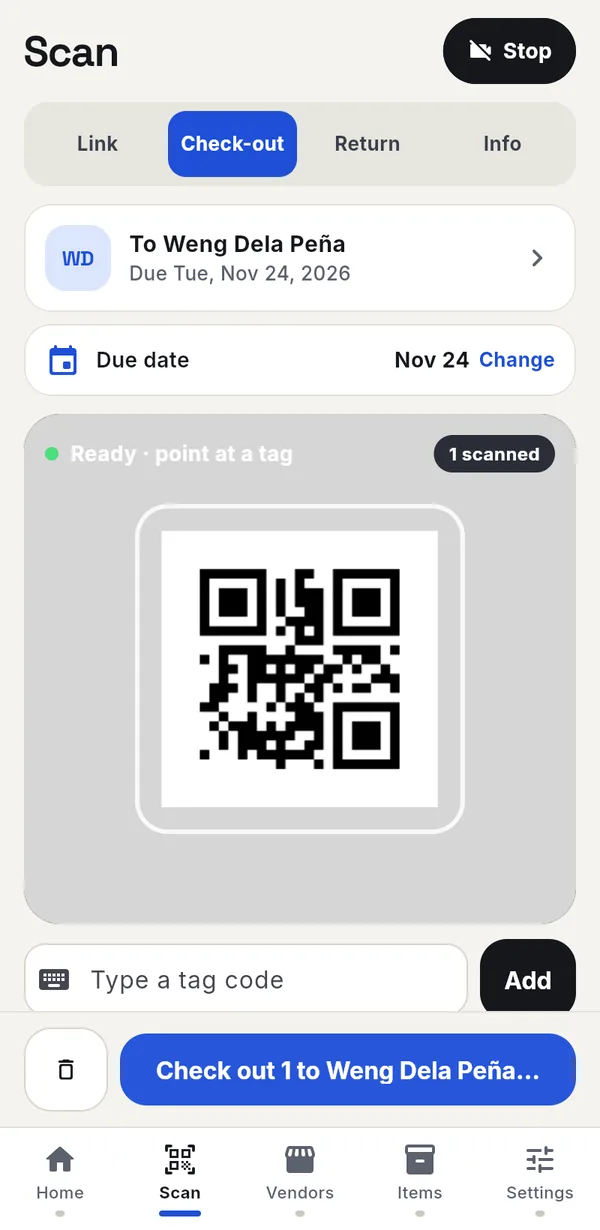
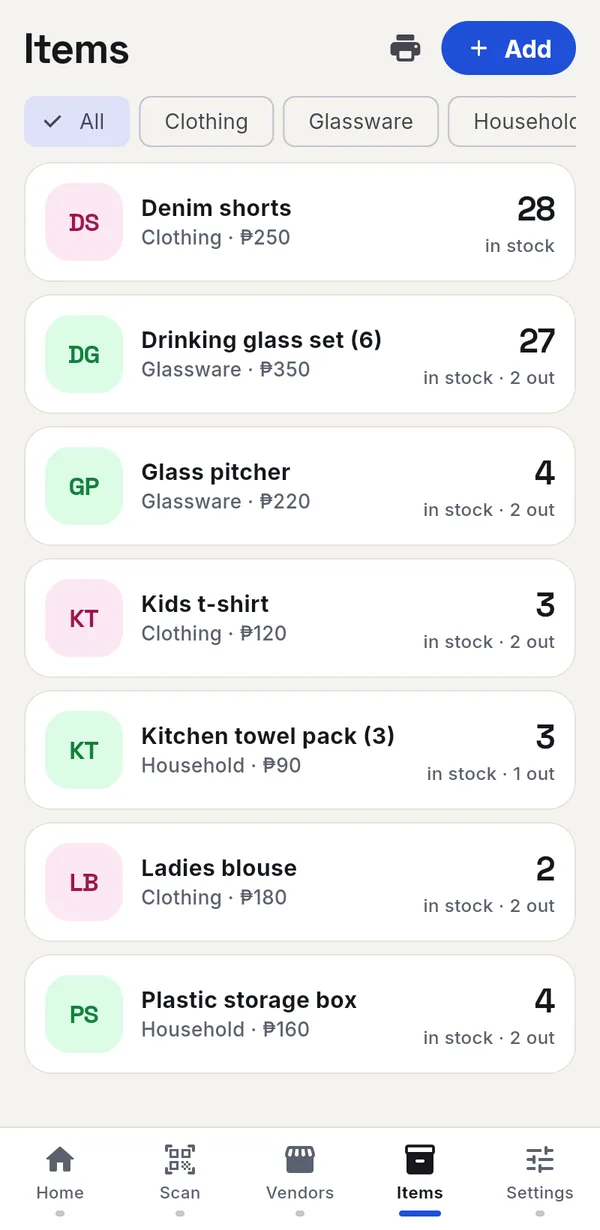
No. The app prints sheets of blank QR tags on any printer. Cut them out and stick or tie one on each item. Your phone's camera is the scanner.
Does it work without internet?
Yes. Every scan, sale and payment saves on your phone first. It syncs to your Kapaldo account when you're back online, so a second phone or your vendors see the same records.
How do my vendors see their items?
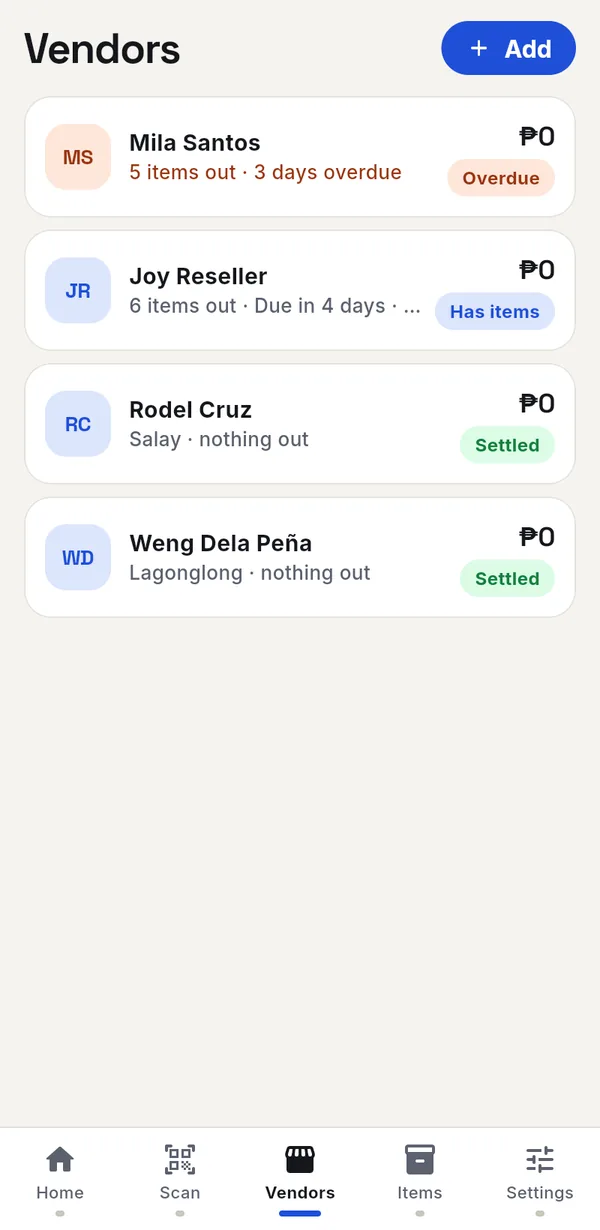
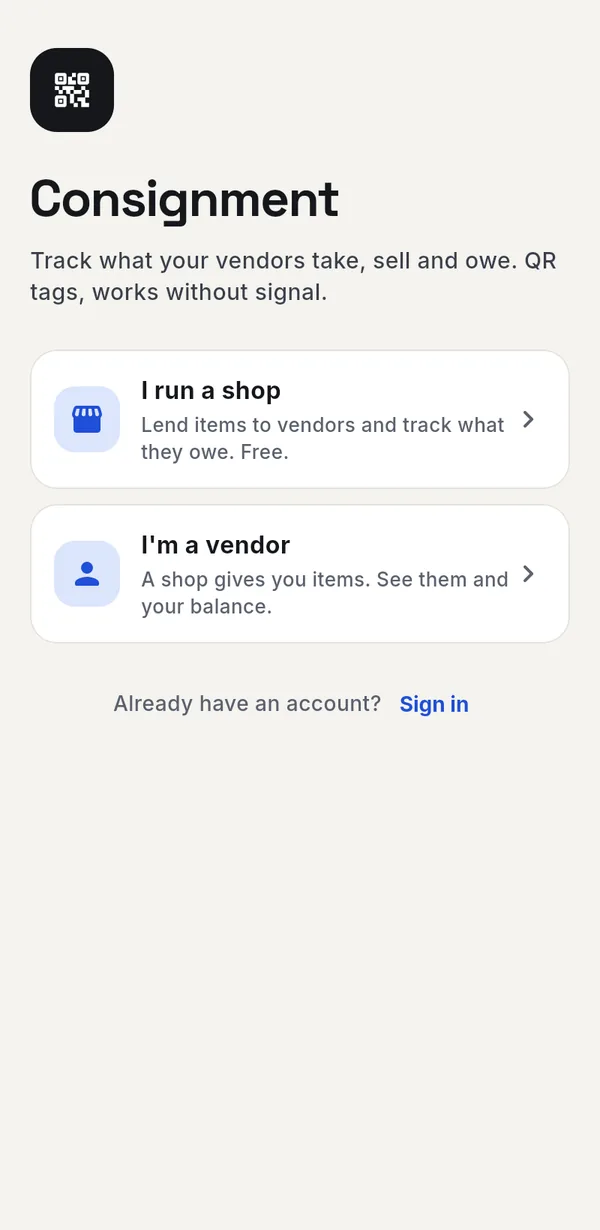
Add the vendor with their email. We email them a link. They open consign.kapaldo.com, tap I'm a vendor and sign up with that email. They see only their own items, due dates, sales and balance.
What if a vendor signs up before I add them?
They see a waiting screen with their email and a button to send it to you. As soon as you add that email, their screen opens their items on its own.
Can I use it on more than one phone?
Yes. Sign in with the same Kapaldo account on each phone. Records sync between them.
Can I try it first?
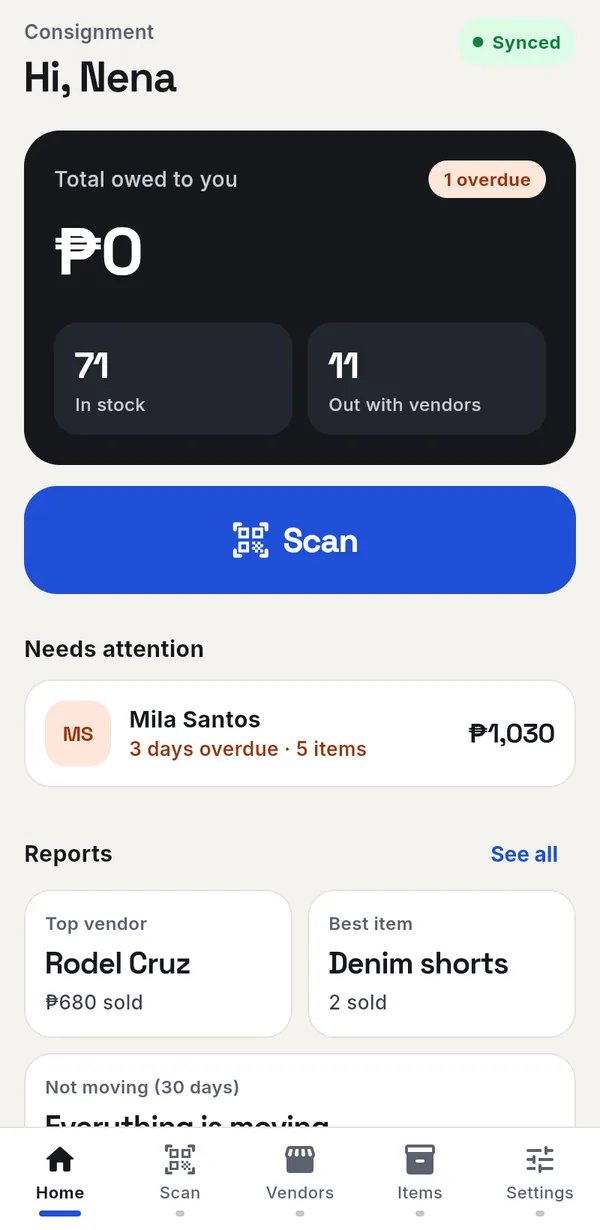
Yes. After you sign up, tap Load sample data on the home screen to fill the app with a sample shop. You can clear it later.